Add payment card
Last updated:
Before you can start charging, you need to add payment card.
1. Go to your profile
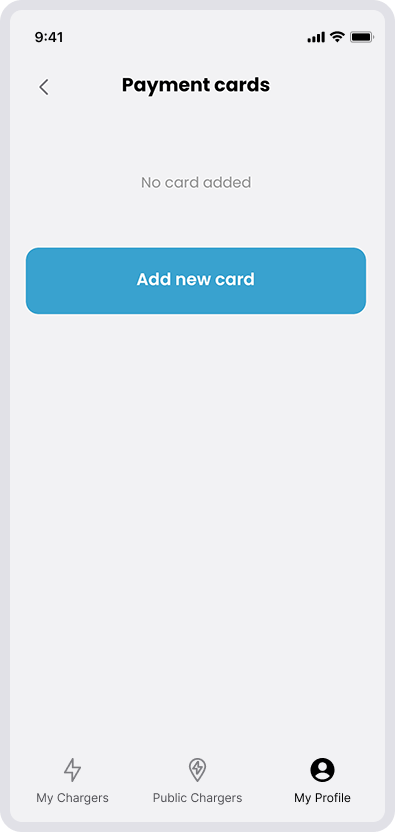
Go to My Profile in the app and select Payment Cards. Click on “Add new card”.
2. Add card details
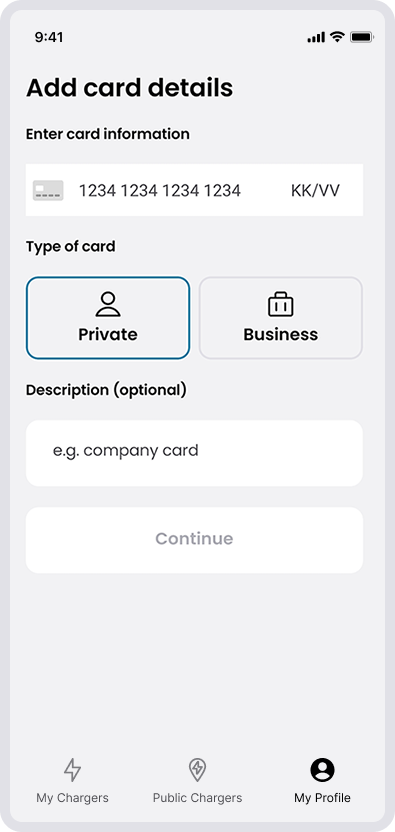
Enter your card number, validity (MM/YY), CVC and type of your card.
If you wish, you can add a description for your card.
Click on “continue”.
There is no fee to register a payment card. Depending on the card issuer, you might need to approve the addition of the card through 3D Secure, such as an authentication code, Bank ID, or similar.