Hvordan opprette en CloudCharge-konto
Du kan bruke CloudCharge-appen både med private og offentlige ladere. Hvis du ikke har en konto ennå, kan du enkelt opprette en ved å følge trinnene nedenfor.
1. Last ned appen
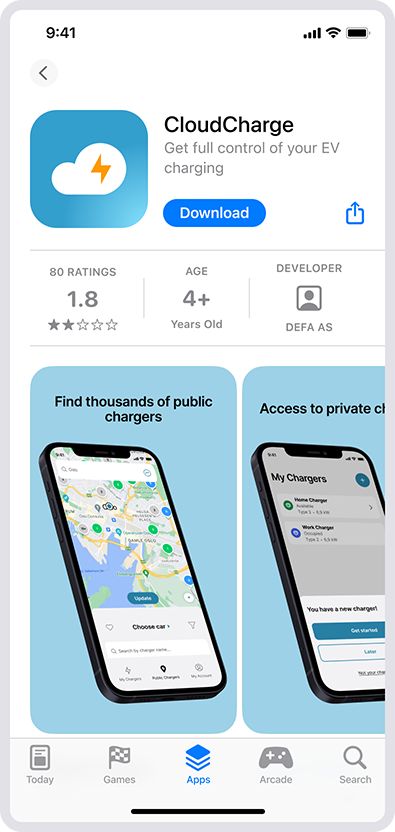
Last ned CloudCharge-appen fra App Store eller Google Play.
2. Åpne appen
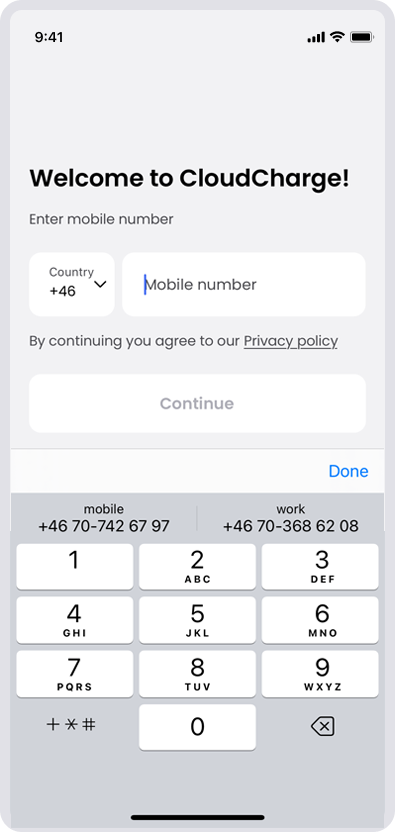
Åpne appen og skriv inn mobilnummeret ditt for å registrere deg. Hvis landet du bor i ikke er oppført som landskode, betyr det at CloudCharge ennå ikke er tilgjengelig der.
3. Skriv inn bekreftelseskoden
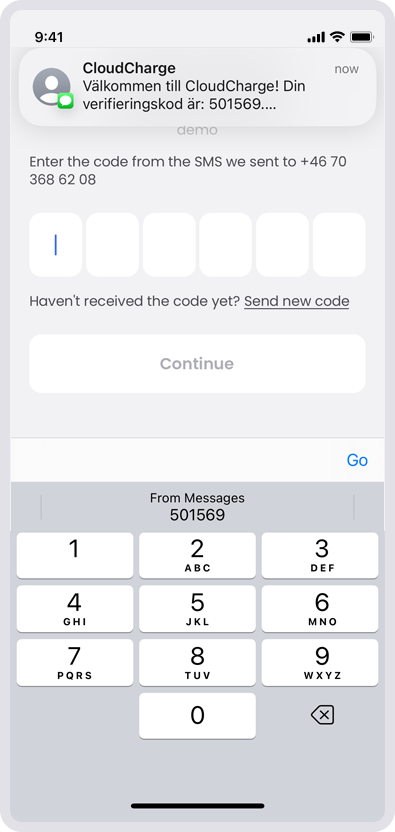
Skriv inn bekreftelseskoden du mottar på SMS.
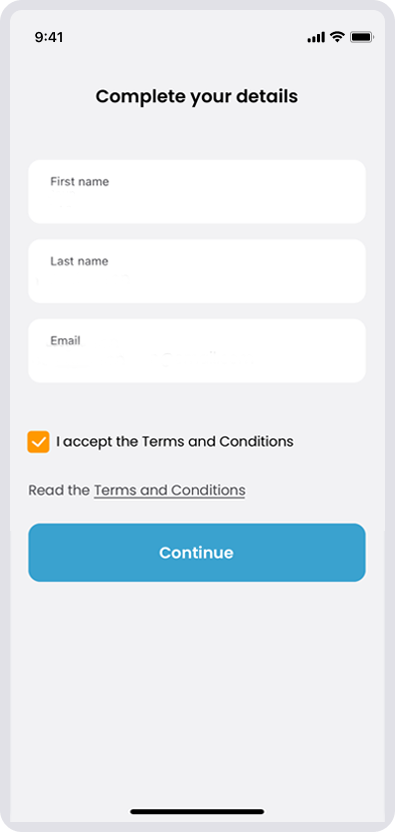
4. Fullfør opplysningene dine
Fyll inn kontodetaljene dine og godta betingelser og vilkår.
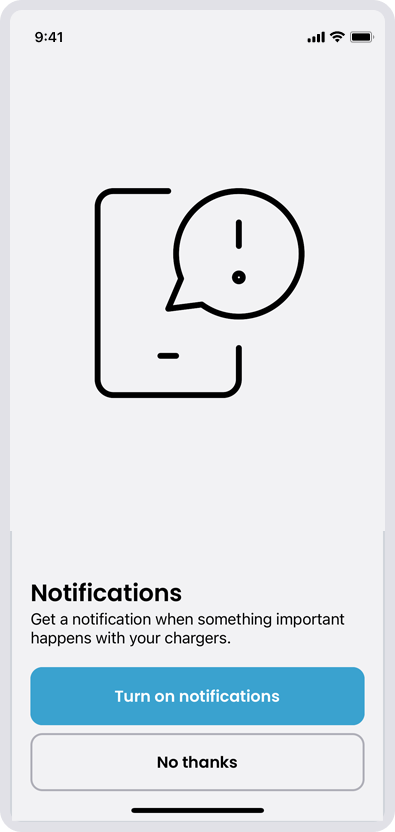
5. Varsler
Slå på varsler hvis ønskelig. Du kan også legge det til senere.
6. Begynn å bruke CloudCharge
Nå kan du begynne å bruke CloudCharge-appen til å lade elbilen din. Du kan bruke samme konto for både offentlige og private ladestasjoner.
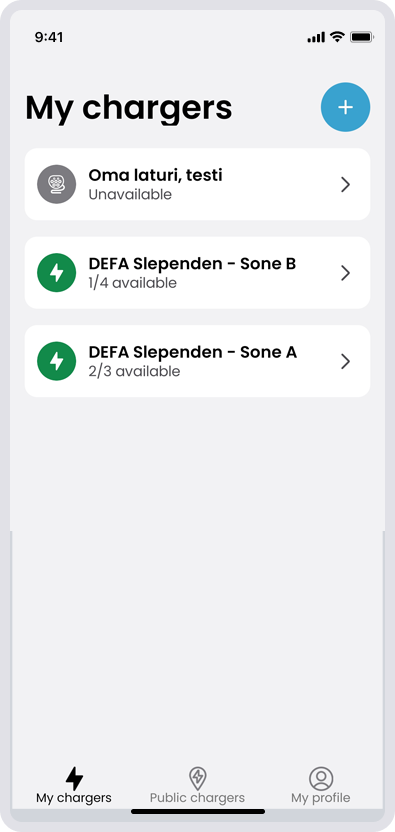
le ladestasjoner du har tilgang til, er listet under «Mine ladere». Du kan søke etter offentlige ladere på kartet.
Se gjerne på supportsidene om du lurer på noe om appen.