Så skapar du ett CloudCharge-konto
Du kan använda CloudCharge-appen för både privata och publika laddare. Om du inte har ett konto ännu, kan du enkelt skapa ett genom att följa stegen nedan.
1. Ladda ned appen
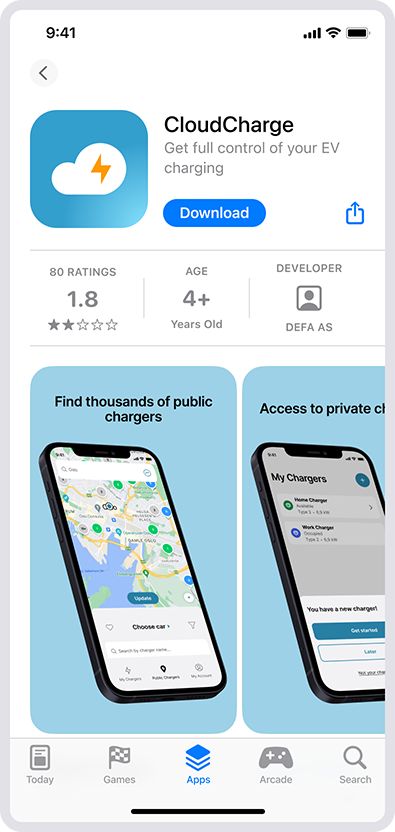
Ladda ned appen ”CloudCharge” från App Store eller Google Play.
2. Öppna appen
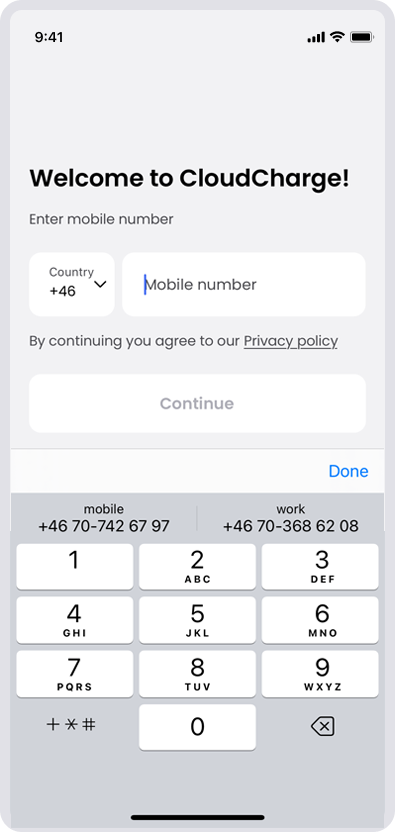
Öppna appen och ange ditt mobilnummer för att registrera dig. Om ditt landsnummer inte finns med, betyder det att CloudCharge ännu inte är tillgängligt i ditt land.
3. Ange verifieringskoden
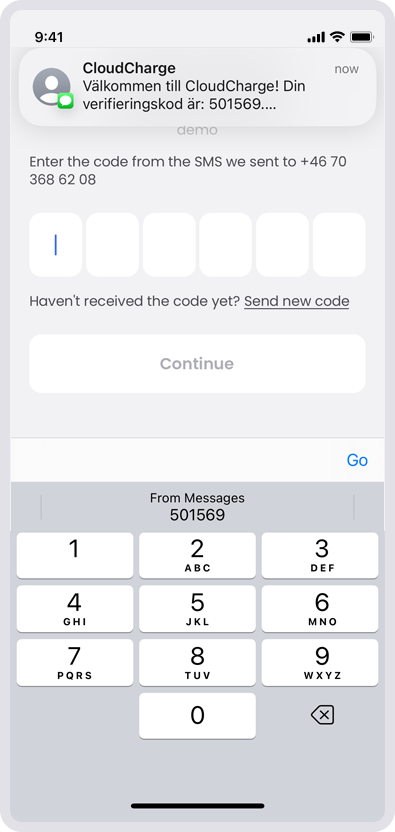
Ange verifieringskoden som du får via SMS.
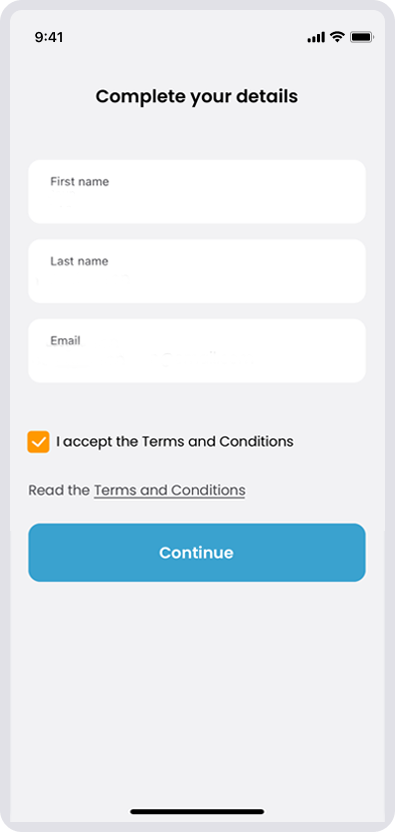
4. Slutför dina uppgifter
Fyll i dina kontouppgifter och godkänn villkoren.
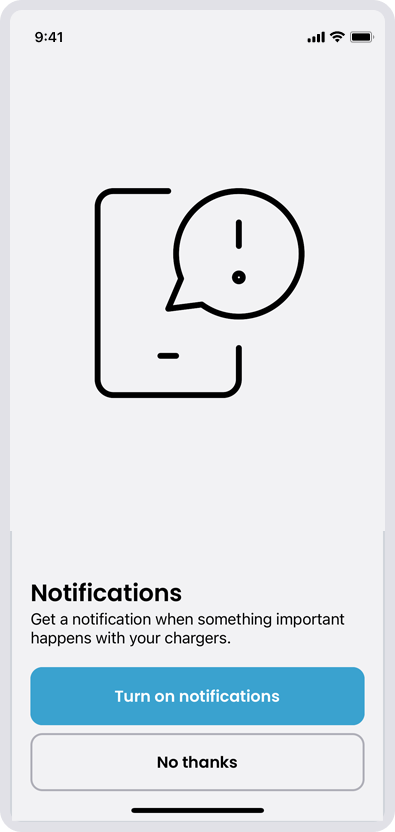
5. Notiser
Aktivera notiser om du vill. Du kan även lägga till detta senare.
6. Börja använda CloudCharge
Nu kan du börja använda CloudCharge-appen för att ladda din bil. Du kan använda samma konto för både privata och publika laddstationer.
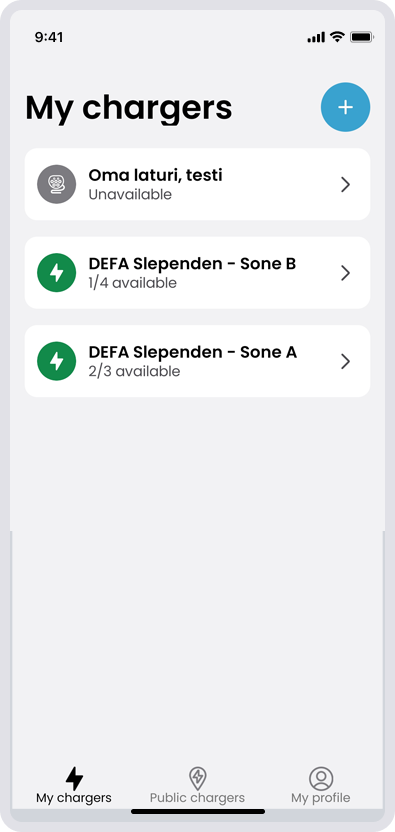
Alla laddstationer som du har tillgång till listas under ”Mina laddare”. Du kan söka efter publika laddare på kartan.
Läs gärna alla supportartiklar som rör appen.